Crush
Crush
Crush 是一款终端 CLI/TUI 工具,支持多模型接入,提供代码生成、调试、对话和文件操作功能。
安装
根据你的操作系统选择安装方式:
# Homebrew(macOS)
brew install charmbracelet/tap/crush

# NPM(跨平台)
npm install -g @charmland/crush

# Arch Linux
yay -S crush-bin

# Nix
nix run github:numtide/nix-ai-tools#crush
配置方法
- 从AnyLink 平台获取 API Key
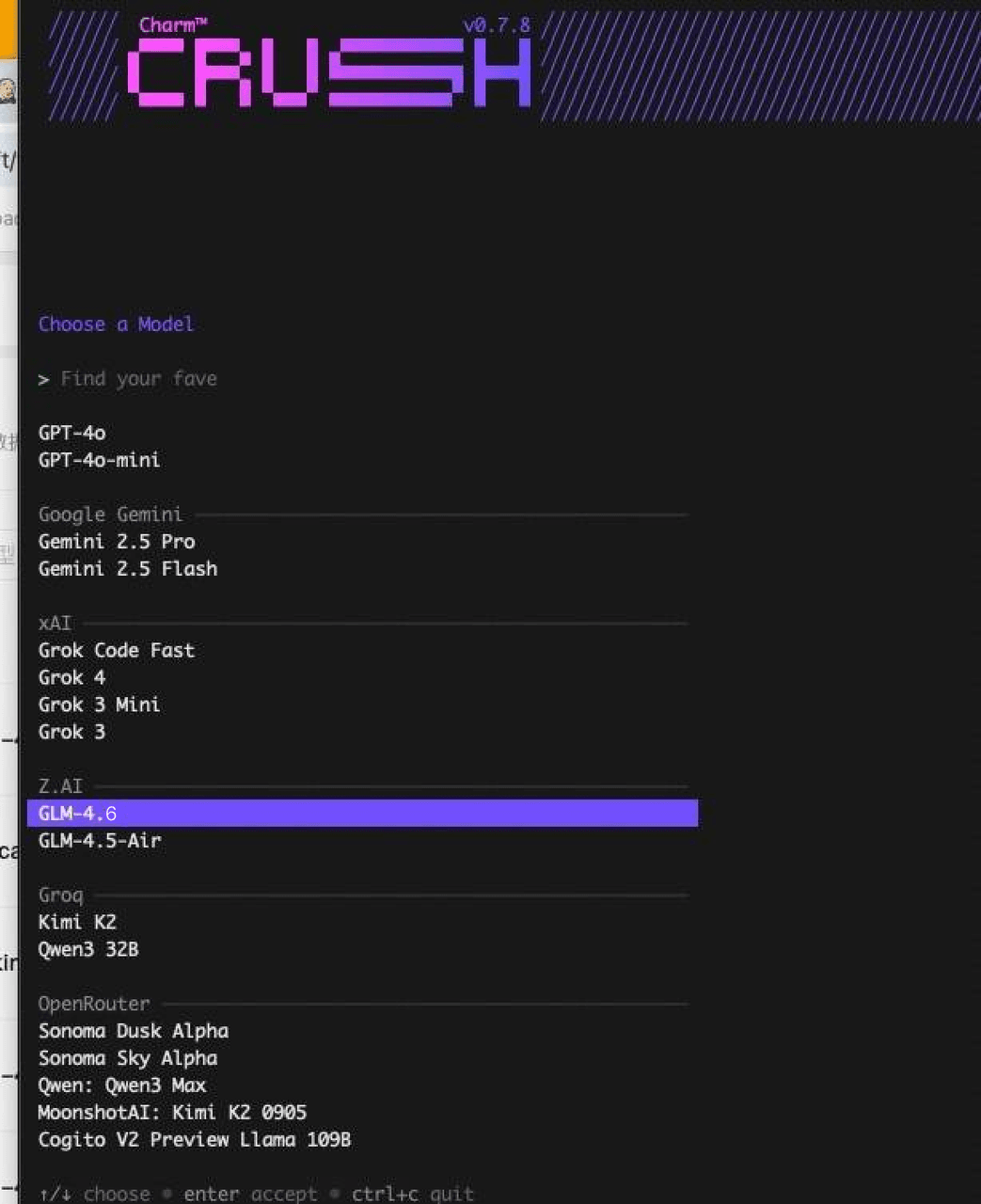
- 启动 Crush,选择模型(claude-opus-4-6 或其他可用模型)
- 输入 API 密钥
- 修改配置文件:
- macOS/Linux:
~/.config/crush/crush.json - Windows:
%USERPROFILE%\.config\crush\crush.json
- macOS/Linux:
配置示例:
{
  "providers": {
    "anylink": {
      "id": "anylink",
      "name": "AnyLink",
      "base_url": "https://anylink.top",
      "api_key": "你的API密钥"
    }
  }
}
重要
需要配置 AnyLink 专属端点 https://anylink.top,而不是通用 API 端点。